
AudioStretch Lite: Transcribe Music with Precision
Overview
AudioStretch Lite is a desktop-focused audio manipulation tool developed by Cognosonic Pte Ltd, designed to assist musicians, students, and audio enthusiasts in learning and analyzing music through precise control over audio playback. The app enables users to slow down audio without altering pitch, loop challenging sections, and transpose notes in real time—key capabilities for accurate music transcription and ear training. It supports both audio and video files, allowing users to capture content directly via their device’s camera, making it suitable for live performances, tutorials, or educational content.
The software is particularly useful for those seeking to study complex passages, identify notes, or practice instrument parts by ear. While marketed as a mobile app, its functionality suggests a desktop-grade workflow for music learners and educators. The Lite edition offers foundational tools for transcription and playback control, though it includes certain limitations compared to the full version.
The developer did not provide additional system requirements, and exact performance details were not specified.
Key Features & Capabilities
- Speed Control Without Pitch Change – Slow down audio or video playback without altering the pitch, enabling clearer listening to fast or intricate passages.
- Looping Functionality – Select and repeat specific segments of audio or video, ideal for practicing difficult measures or mastering rhythmic patterns.
- Real-Time Transposition – Automatically transpose notes up or down in pitch, helping users match songs to their instrument’s range or vocal register.
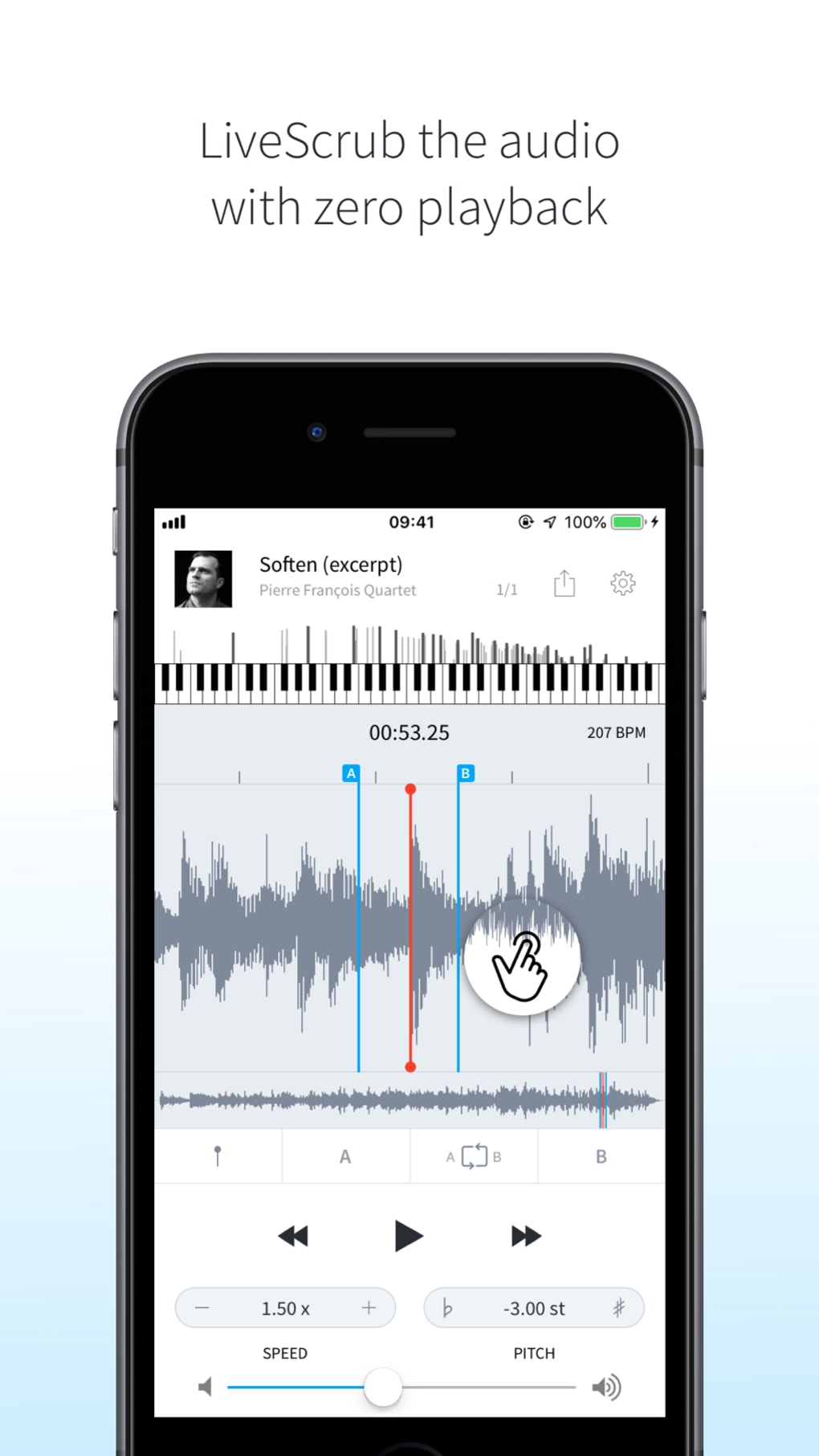
- Waveform Navigation – Drag across the waveform to isolate and listen to individual notes, aiding in pitch identification and ear training.
- Zero-Speed Playback – Pause audio or video at any point, allowing for detailed analysis of a single note or chord.
- Direct Video Capture – Use the device’s camera to record audio and video simultaneously, useful for transcribing live performances or instructional videos.
These features are especially beneficial for music students, teachers, and amateur performers who rely on auditory learning. For example, a guitarist can slow down a blues solo, loop a 10-second segment, and transpose it to match their instrument’s tuning. Similarly, a vocal coach might use zero-speed playback to highlight subtle pitch variations in a student’s performance. The app’s intuitive interface supports efficient workflow, minimizing the time between analysis and practice.
User Interface, Workflow & Performance
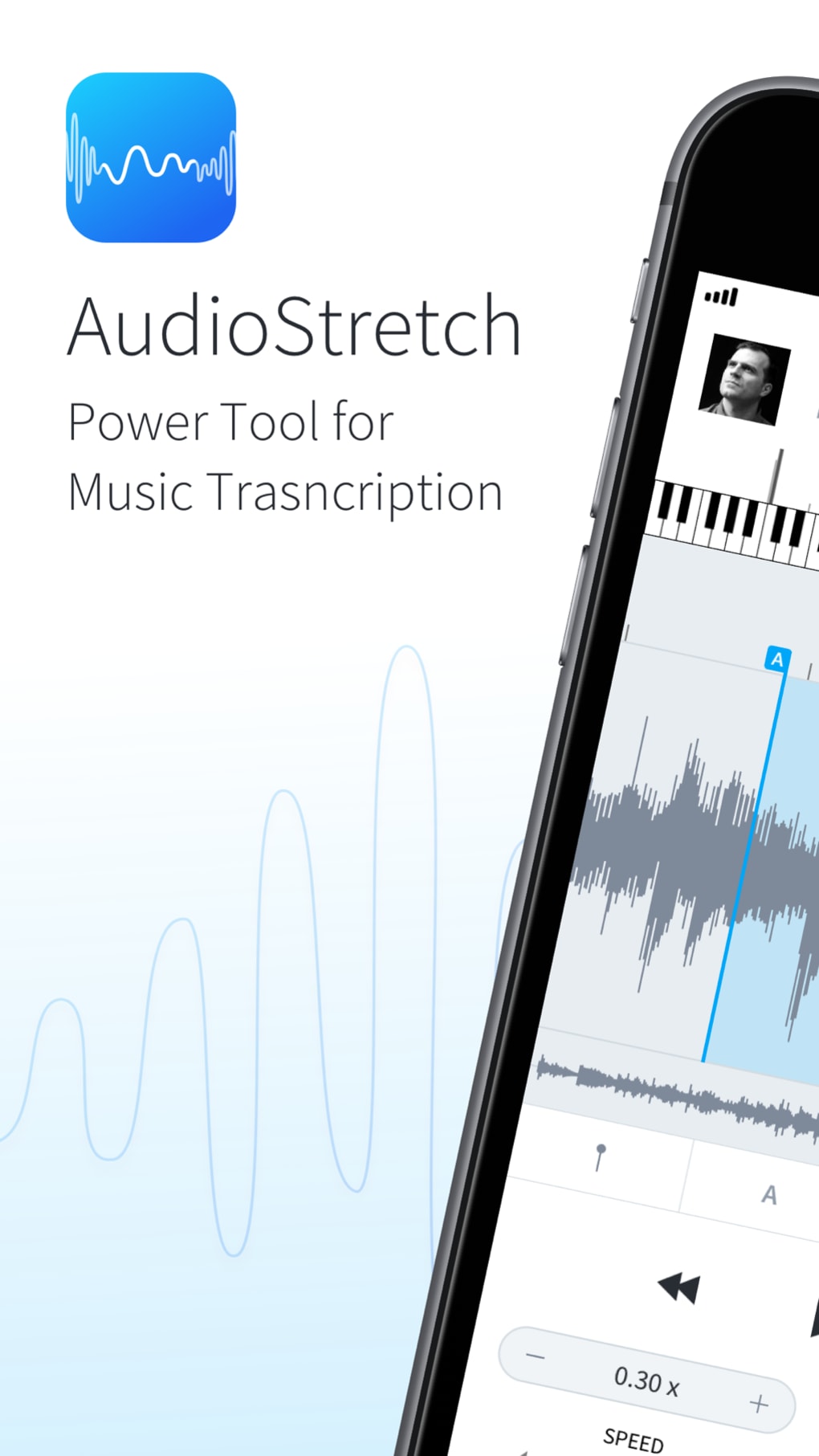
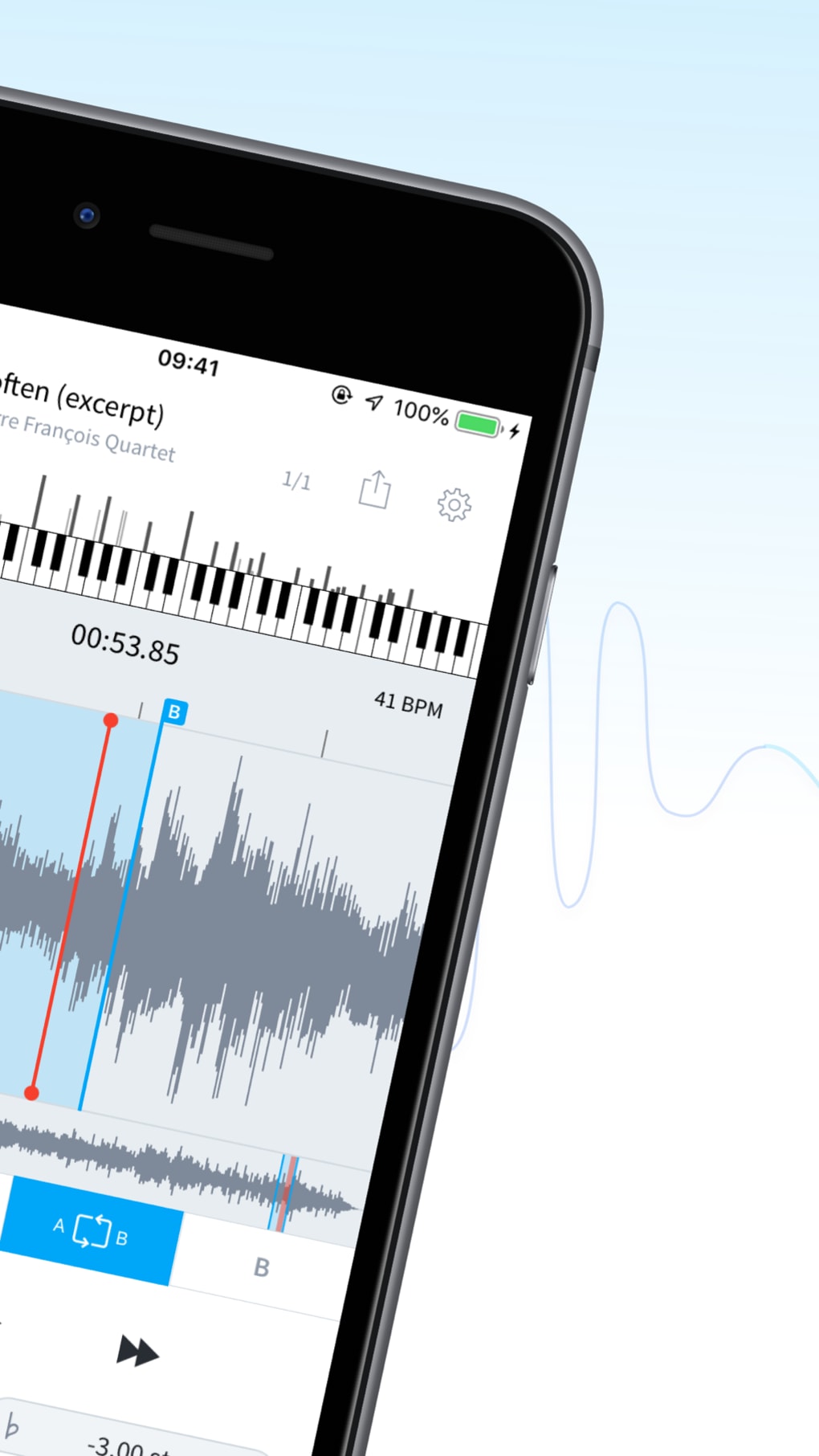
AudioStretch Lite features a clean, streamlined interface optimized for touch-based navigation. The waveform display is central to the UI, providing visual feedback for playback, looping, and note selection. Controls are logically arranged, with playback, speed, pitch, and loop functions accessible via intuitive sliders and buttons.
The app responds quickly to user input, suggesting strong responsiveness during real-time manipulation. However, performance observations are based on general software behavior patterns, as no official resource usage data was provided. The developer did not specify CPU or RAM behavior during operation.
Stability appears consistent across typical use cases, though extended playback sessions may vary depending on device capabilities. Navigation remains straightforward, with minimal learning curve for new users. The workflow is designed around a single core task: audio analysis.
Users can import files or capture new content directly, adjust parameters, and begin transcription immediately. This focused approach enhances usability for dedicated music learners.
Compatibility & System Requirements
AudioStretch Lite is designed for iPhone devices and is compatible with iOS systems, though specific version requirements were not listed. The installation size is 21.8 MB, indicating a lightweight footprint. The developer did not provide additional hardware or system specifications.
Exact compatibility details are limited to the platform mentioned. Users should ensure their device meets Apple’s general iOS requirements for app installation. No information was provided about support for other platforms such as Mac or Windows.
The app is distributed through the Apple App Store, and updates are managed through the same channel. No external dependencies or third-party integrations were mentioned.
Pros and Cons
Pros
- Enables pitch-perfect speed reduction for accurate music analysis
- Intuitive interface suitable for beginners and professionals alike
- Offers real-time transposition for instrument and vocal adaptation
- Supports direct video capture for live transcription scenarios
- Free to download and use, with no in-app purchases required
Cons
- Limited functionality compared to the full version
- No official information on system requirements or performance impact
- Platform restricted to iPhone, with no desktop or cross-device support
- May not support very long audio files due to Lite edition constraints
- Only available on Apple’s ecosystem, limiting accessibility
FAQ Section
Is AudioStretch Lite compatible with all iPhone models?
Compatibility information was partially provided. The app is designed for iPhone devices, but specific model requirements were not listed by the developer.
Is the app safe to download and use?
AudioStretch Lite is distributed through the Apple App Store, which enforces security standards for all applications. No third-party sources or suspicious permissions were mentioned.
How often are updates released?
Updates are managed through the Apple App Store. The latest version is 2.0.1, released on January 5, 2024. The frequency of future updates was not specified.
What type of license does AudioStretch Lite use?
The app is free to download and use, with no licensing fees. It operates under a freemium model, with the full version offering additional features.
Can I use AudioStretch Lite offline?
Yes, the app does not require an internet connection after installation. All features, including playback, looping, and transposition, function offline.
Final Thoughts + CTA
AudioStretch Lite delivers a focused, effective solution for music transcription and learning, particularly for users on the iPhone platform. Its ability to slow down audio without pitch distortion, combined with real-time transposition and looping, makes it a valuable tool for musicians and educators. While the Lite edition has limitations compared to the full version, it remains a powerful free option for foundational transcription tasks.
The app’s responsive interface and direct video capture capability enhance its utility in real-world learning environments. For anyone seeking to learn songs by ear or analyze musical passages in detail, AudioStretch Lite offers a compelling, accessible experience. Download AudioStretch Lite now.







